Naver Map is most useful when you treat it as a three-part job. First, find the exact place. Second, build the journey. Third, confirm the final entrance. The app has an English interface, but an English search can still leave you with several branches or no clear result. Keep the official Korean name and address beside your itinerary, verify the listing before you save it, and check the last few hundred meters before you leave the station.
01
Set up the app before you need it
Install NAVER Maps, Navigation from the listing published by NAVER Corp. The app supports Korean, English, Japanese and Simplified Chinese maps, with English navigation. Current iOS versions require iOS 16 or later; check the current store listing for your own device rather than relying on an old setup video.
On Android, NAVER's help route is MY, the settings gear, then Language. On iOS, MY and the settings gear can take you to the device's preferred-language setting for NAVER Map. If English is not offered there, add English under the device's Language & Region settings first. Menu positions can move after an app update, so follow the labels rather than memorizing a screenshot.
Allow location access while using the app if you want your live position and directions. Test one search, one walking route and one transit route before departure. Your next action is simple: set the language, open the map and confirm that the blue location marker follows you.
02
Search in a useful order
Begin with the full English place name, not a broad category. If the result is missing or ambiguous, paste the official Korean name from the venue, booking confirmation or hotel message. If that still fails, paste the Korean road-name address. A road-name address, 도로명주소, uses a street name and building number. A lot-number address, 지번주소, identifies the land parcel. Naver Map supports address search, but the venue's current road-name address is usually the clearest travel backup.
Do not translate a brand or museum name yourself if the official Korean version is available. Translations and romanization can vary. Searching 국립중앙박물관 is more specific than trying several English spellings of National Museum of Korea.
Remove extra commentary before pasting an address. A booking message may contain a floor, meeting instructions and punctuation that do not belong in the search field. Search the place name or address first, then use the extra instructions after you have confirmed the listing.
03
Verify the result before saving it
A familiar logo is not enough. Match four things: the Korean or English name, the branch, the district and the address. Gu means district, as in Jongno-gu. Dong usually means a neighborhood or administrative area. Two branches can share a brand name while sitting on opposite sides of Seoul.
Open the place page and compare the phone number, category, recent photos and the pin with the venue's official page or your confirmation. Treat displayed hours and reviews as planning information that can change. For a timed booking, hospital visit or ticket pickup, the organizer's current directions take priority.
Only then tap Save. Give saved lists practical names such as Seoul food, Rainy day or Booked, rather than creating one enormous Korea list. The correct saved place is far more valuable than fifty unchecked pins.
04
Build the route from the place page
Tap Directions on the verified place page, set your real start point and choose public transit or walking. Naver's mobile help also allows a long press on the map to set a start or destination. If you are planning for later, change the departure time so the result reflects the day and hour you expect to travel.
Read beyond the first number. Check the walk to the first stop, the transfer station, the bus or subway direction, the recommended exit and the final walking section. A route with one fewer transfer can be easier with luggage even when it takes a few minutes longer.
Transit arrival information is useful, not a promise. Reopen the route shortly before leaving. Service changes, traffic and the time it takes to reach the platform can alter the sensible choice.
05
Finish the last few hundred meters
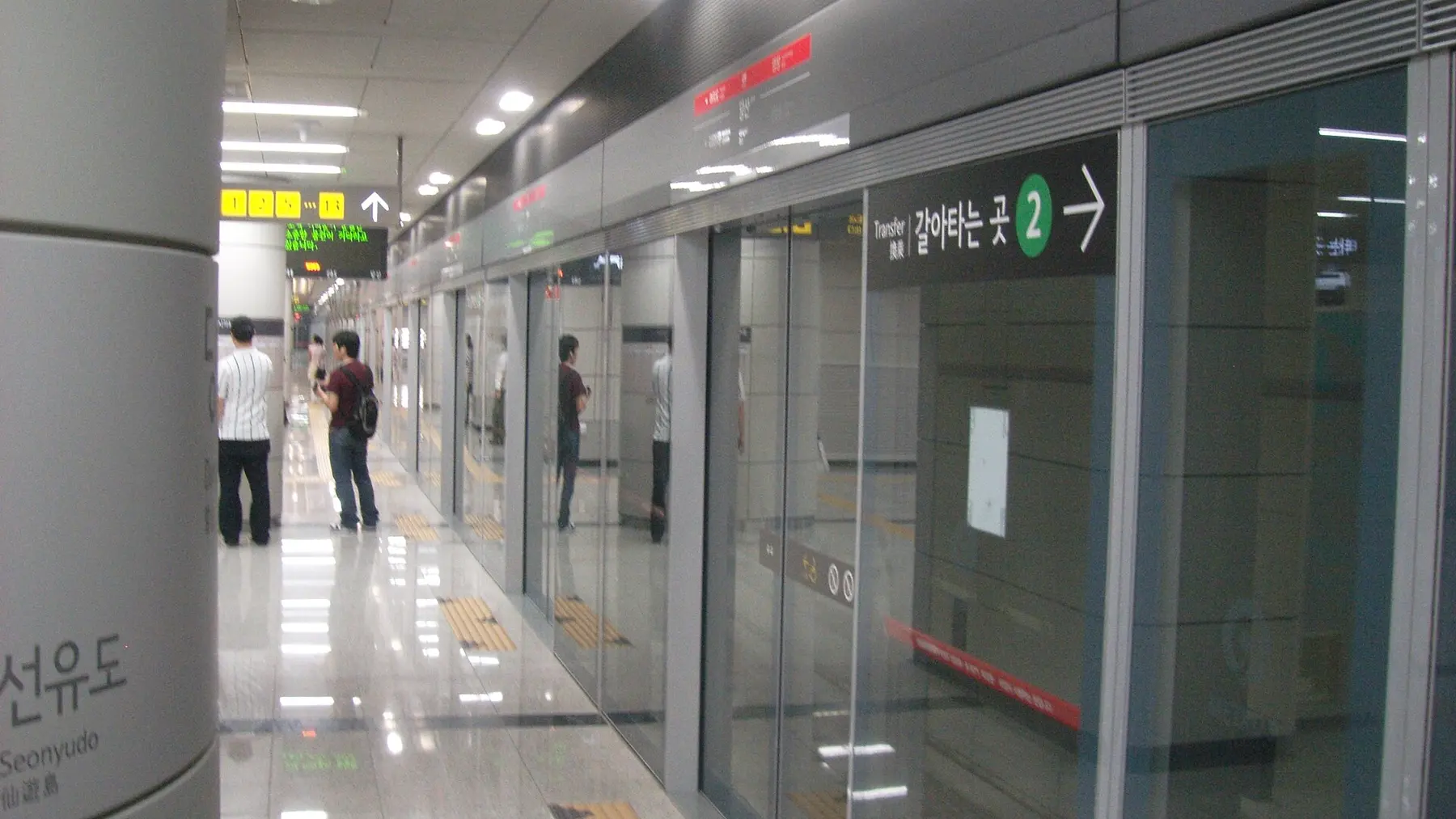
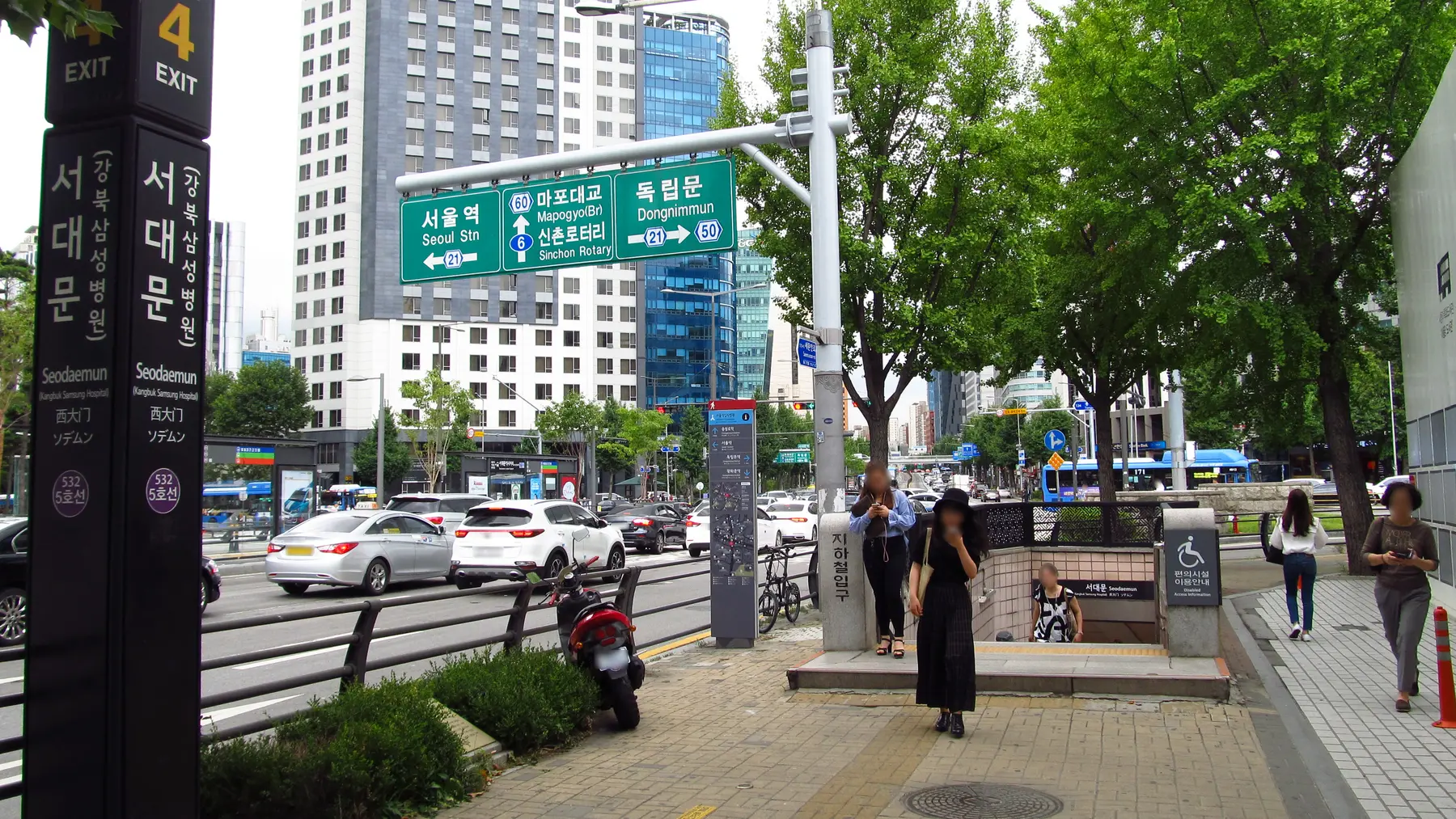
The route is not finished when you leave the station. Check the exit number before passing the gates, then reopen walking directions at street level. Large stations can have exits on different blocks, and the shortest line on the map may begin on the wrong side of a wide road.
Use Street View before the trip to recognize the final corner, building frontage or alley. NAVER calls this 거리뷰, literally street view. The map can also show indoor layers and facilities such as elevators, toilets, information desks and lockers when those data are available. Their presence in the interface does not guarantee that every building or station is fully mapped.
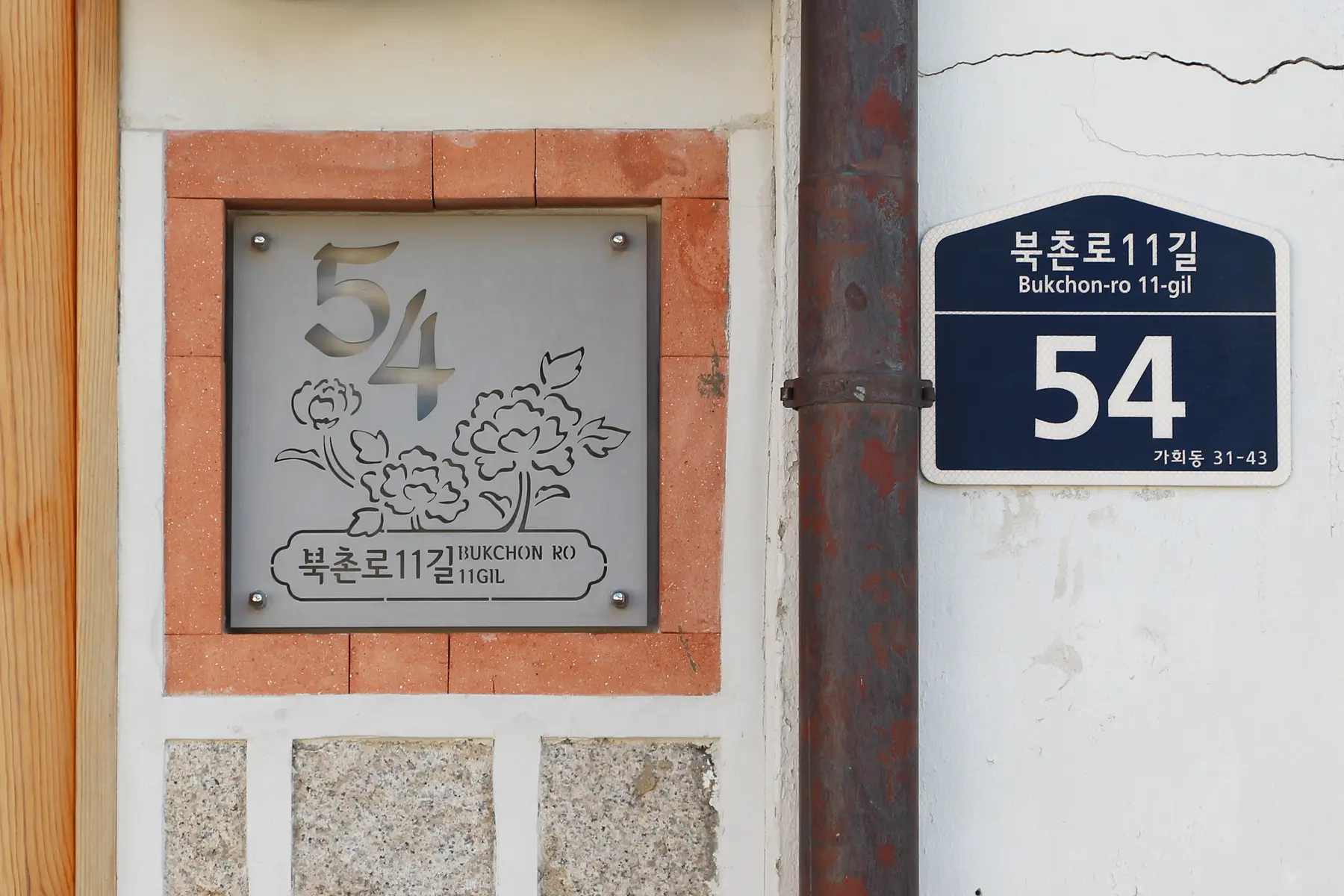
When the pin sits in the middle of a complex, look for an entrance note on the venue's official site or booking message. Match a visible road-name plaque and building number. The map pin gets you close; the doorway still asks you to look up.
06
A worked example: National Museum of Korea
Suppose you want the National Museum of Korea. Search the English name first. If the result is uncertain, paste 국립중앙박물관. Match the official address, 137 Seobinggo-ro, Yongsan-gu, Seoul, before saving it.
The museum's current directions say to take Line 4 or the Gyeongui-Jungang Line to Ichon Station, use Exit 2 and walk about 150 meters toward Yongsan Family Park. They also identify elevators in the direction of Exits 1 and 2 and the Museum Nadeulgil underground link. That official note explains the entrance better than a pin alone.
In the app, compare the recommended journey from your real starting point, then keep the museum's Korean name and official directions with the saved place. If Naver suggests a different station exit on the day, compare the live route with the museum's current access notice rather than following either source blindly.
07
Recover when the search or route looks wrong
No result in English? Paste the Korean name. Too many results? Add the district or road-name address. The pin appears in the wrong branch? Delete the saved result and verify again. Do not keep navigating because you have already spent ten minutes on it.
If your live location points the wrong way, stop walking for a moment and compare the street name, building number and direction of travel. Recenter the map, check your phone's location permission and use the compass only after it has settled. Ask staff to confirm the Korean place name if the entrance remains unclear.
If a walking route sends you to a closed or unusable entrance, use the venue's notice or an on-site sign and choose the safe open approach. NAVER provides an information-correction option in walking-route details for an incorrect destination entrance, but a report helps future routing; it does not solve today's locked door.
08
Make the next trip easier before you move on
Once you arrive, keep the correct place saved and add a short private note to your itinerary: Exit 2, underground link, north entrance or second floor. Share the verified Naver place link with your companions rather than sending only a screenshot of the pin.
Before leaving a venue, build the route to the next stop and the route back to your accommodation. A map is most calming when it answers the next journey before everyone is standing on the pavement. The companion checklist turns this method into a copyable routine.
Check before you go
Official links and live information
Details last checked October 9, 2026. Entry rules, schedules, prices, transport coverage, and operating hours can change, so verify time-sensitive details before committing time or money.
- NAVER Map help: change the app language
- NAVER Map help: mobile home, search, saved places, Street View and indoor facilities
- NAVER Map help: set a start point and destination
- NAVER Map help: walking directions
- NAVER Map help: Street View
- NAVER Map help: report a wrong walking entrance
- NAVER Corporation: multilingual usage guide and transit features
- NAVER Maps official App Store listing
- National Museum of Korea: official subway approach and address