
Essentials · Deep dive
Your Naver Map Place-to-Entrance Checklist
Copy this seven-step routine to find the correct place, save it, compare the route and reach the usable entrance.
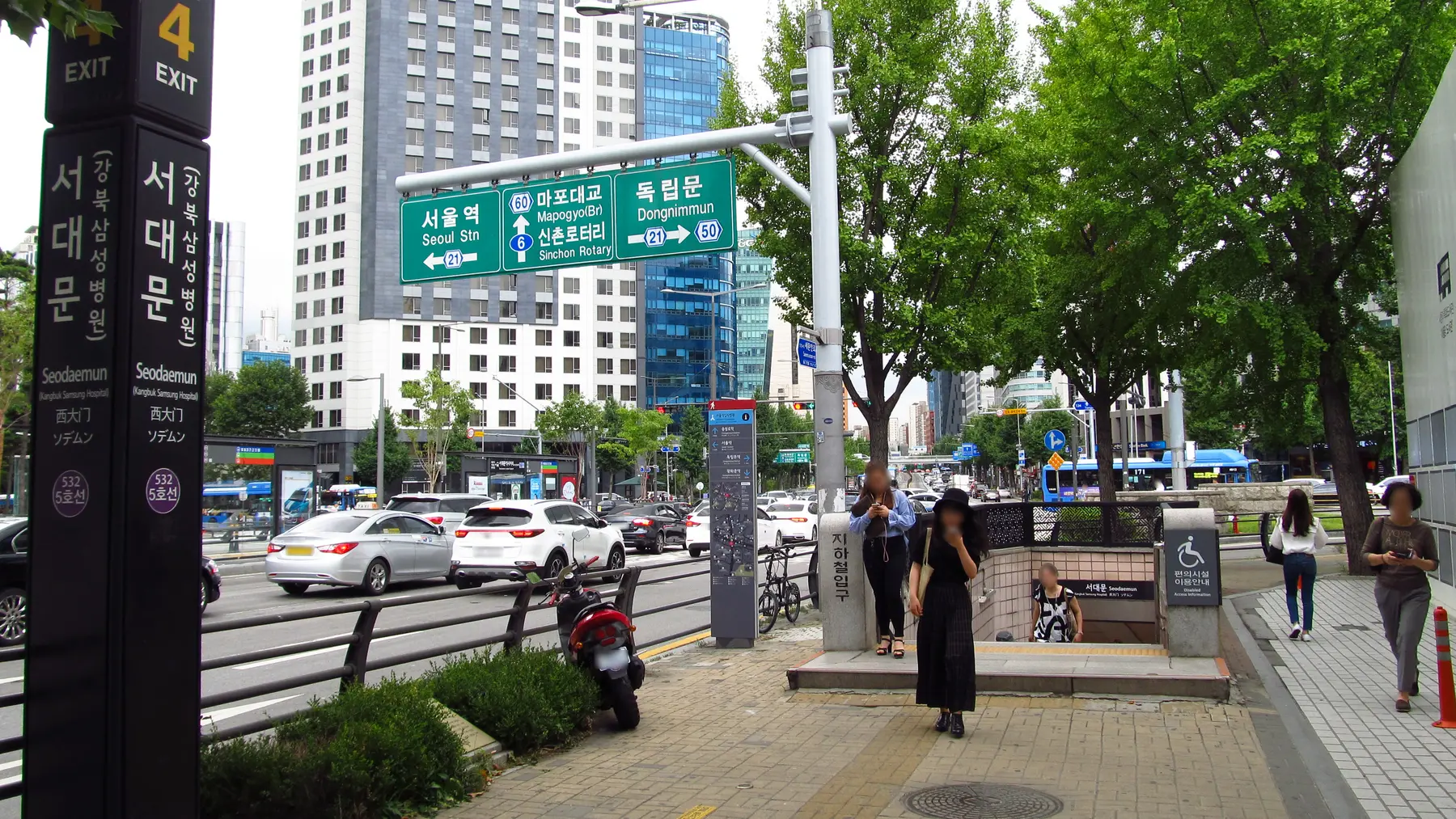
Use this before every fixed booking and any place that could be confused with another branch. It is deliberately short enough to repeat.
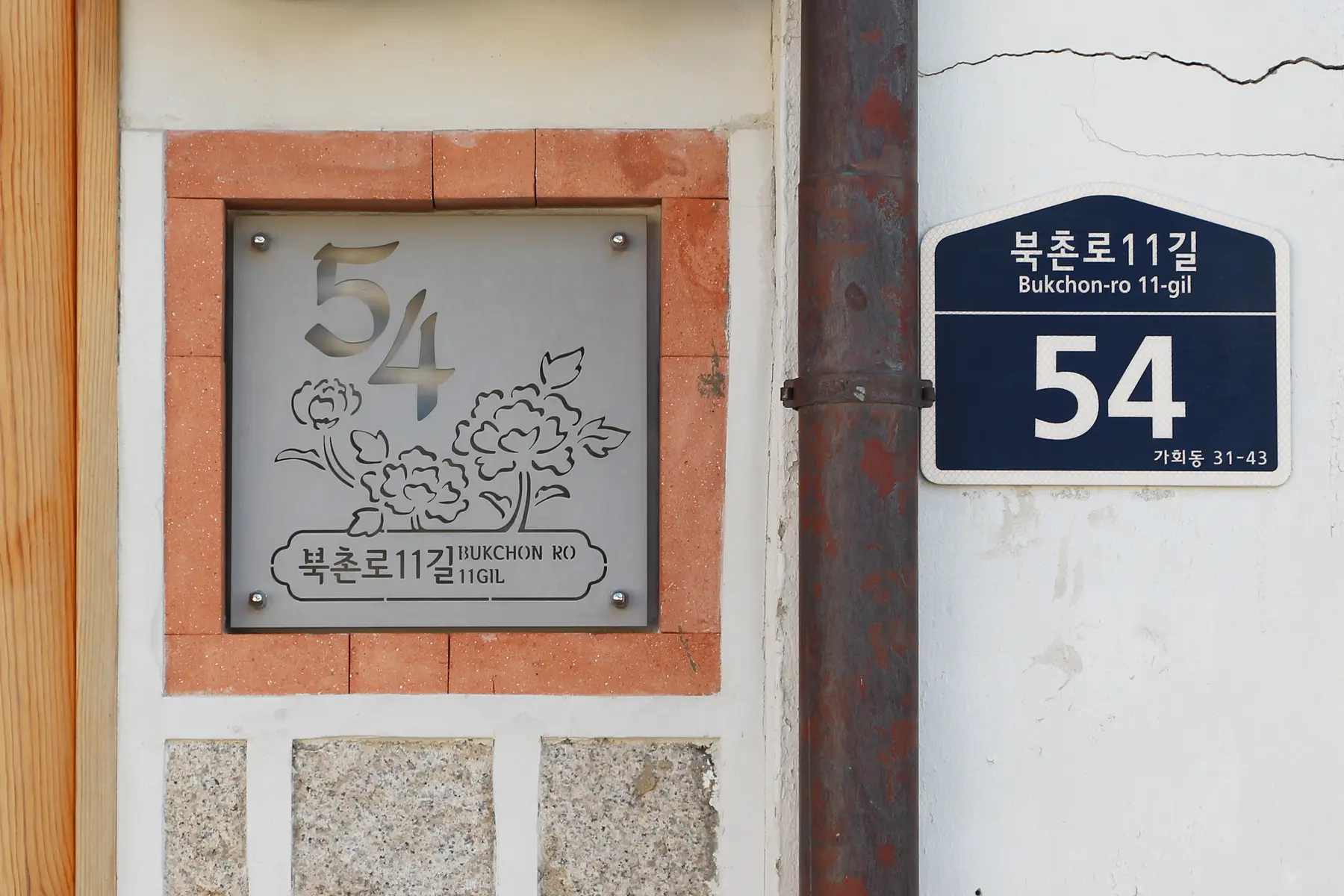
Before you leave
Set up the day.
- Install the official NAVER Maps, Navigation app, set the interface to English and allow location access while using it.
- Save your accommodation's Korean name, full address and phone number somewhere available without the map app.
- Open the venue's official page or booking confirmation beside Naver Map.
Follow the route
Your plan, in order.
Times are suggested planning anchors. Copy the route, then adjust it for your date, opening hours, and pace.
- 1 · Capture01
Collect the exact destination
Copy the official English name, Korean name and road-name address. Keep any branch, building, floor or gate instruction as a separate note.
- 2 · Find02
Search in order
Try the full English name. If the result is unclear, paste the Korean name. If needed, paste the Korean road-name address without extra instructions.
- 3 · Match03
Verify the listing
Compare the branch, district, address, phone number, category and pin with the official source. Do not save a result merely because the logo looks familiar.
- 4 · Save04
Label it usefully
Add the verified place to a short list such as Booked, Seoul food or Rainy day. Share the place link with companions who need it.
- 5 · Route05
Read the complete journey
Set the real start and intended departure time. Check the first walk, transfers, direction, station exit and the walk after the last stop.
- 6 · Entrance06
Inspect the last 300 meters
Use Street View and the venue's directions to identify the final corner, building number, gate or lobby. Note any elevator route you need.
- 7 · Recheck07
Open it before leaving
Refresh the route, confirm operating notices and keep the Korean name and address ready to show. If the route looks wrong, stop and verify rather than continuing on momentum.
Make it your trip
Useful changes.
- No English result: paste the Korean name, then the Korean road-name address.
- Several branches: match the gu or dong, phone number and building number before choosing.
- Pin inside a large complex: follow the official gate or lobby instruction and use indoor information when available.
- Location marker drifting: compare visible street signs and building numbers, recenter the map and check location permission.
- Closed entrance: follow current on-site directions, choose a safe open approach and report the routing error later.
Sources checked October 9, 2026
Verify before you go
Schedules, admission, train availability, restaurant hours, and weather can change. The sources below are the starting points for final checks. Route times are editorial estimates.
- NAVER Map help: change the app language
- NAVER Map help: mobile home, search, saved places, Street View and indoor facilities
- NAVER Map help: set a start point and destination
- NAVER Map help: walking directions
- NAVER Map help: Street View
- NAVER Map help: report a wrong walking entrance
- NAVER Corporation: multilingual usage guide and transit features
- NAVER Maps official App Store listing
- National Museum of Korea: official subway approach and address